Device & Network Checker – Advanced Browser-Based Diagnostic Tool
In today’s digital world, understanding your device and network environment is more important than ever. Whether you are a developer, IT technician, system administrator, student, or everyday user, having quick access to accurate hardware and network information can save time and prevent serious issues.
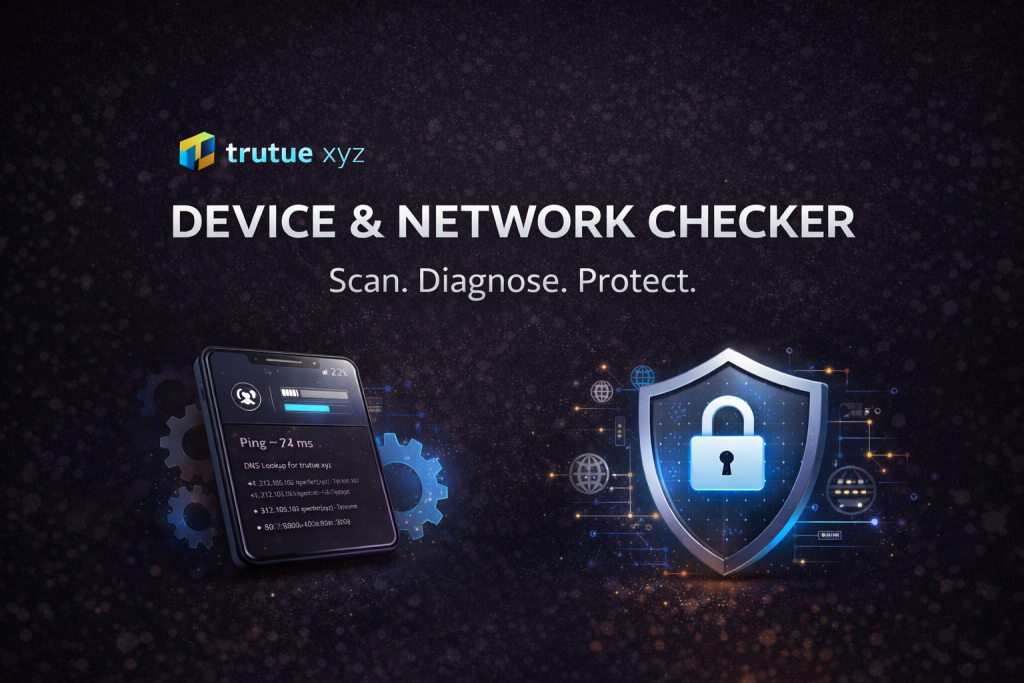
Device & Network Checker by trutue.xyz is a powerful, browser-based diagnostic tool designed to give you a complete overview of your system, network connection, and security status — instantly, with no installation required.
What Is Device & Network Checker?
Device & Network Checker is an all-in-one online diagnostic tool that runs directly in your web browser. It allows you to analyze your hardware capabilities, network performance, IP information, DNS records, disk estimation, security settings, and browser environment in just a few clicks.
Unlike traditional desktop utilities, this tool works entirely online and requires no downloads, no plugins, and no system access permissions beyond standard browser APIs.
Key Features Overview
1. Device & Hardware Information
The tool provides detailed insights into your device, including:
-
Operating system detection (Windows, macOS, Linux, Android, iOS)
-
CPU core count
-
Estimated RAM capacity
-
GPU renderer information (via WebGL)
-
Screen resolution and device pixel ratio
-
Touch support detection
-
Battery status and charging state (if supported)
-
Storage usage estimation (browser quota)
This information is especially useful when diagnosing performance issues, testing compatibility, or verifying system specifications on shared or public machines.
2. Network & Internet Diagnostics
Device & Network Checker includes essential network analysis tools:
-
Ping Test – Measures approximate latency to a target domain
-
DNS Lookup – Retrieves DNS records using Google DNS
-
Public IP Information – Displays ISP, ASN, organization, hostname, and location
-
Connection Type Detection – WiFi, 4G, or other effective network types
-
Download Speed Test – Browser-based bandwidth estimation
-
Upload Speed Estimation – Approximate upload performance
All tests are performed directly from your browser, reflecting real-world user experience rather than server-side assumptions.
3. Location Awareness (Privacy-Respecting)
The tool can retrieve location data in two safe ways:
-
Precise geolocation (only if the user grants permission)
-
IP-based location as a fallback (city-level accuracy)
Displayed information may include:
-
Latitude and longitude
-
Accuracy level
-
Google Maps link
-
Human-readable address (reverse geocoding)
No location data is stored or transmitted beyond the diagnostic session.
4. Disk Type Estimation (SSD vs HDD)
Using browser-based performance timing, Device & Network Checker can provide a rough estimation of disk speed, helping to infer whether the system likely uses an SSD or HDD.
While not a replacement for native benchmarking tools, this feature is extremely useful for quick assessments on unfamiliar devices.
5. Security & Privacy Check
Security awareness is a core focus of this tool. It checks:
-
HTTPS usage
-
Cookie availability
-
Do Not Track (DNT) settings
-
Service Worker activity
-
Geolocation permission state
This section helps users understand how secure their browsing environment is and whether certain privacy features are enabled or exposed.
Why Use a Browser-Based Diagnostic Tool?
✔ No Installation Required
Everything runs directly in the browser. Perfect for restricted environments such as schools, offices, libraries, or shared computers.
✔ Cross-Platform Compatibility
Works on Windows, macOS, Linux, Android, and iOS — anywhere a modern browser is available.
✔ Real User Perspective
Tests reflect the actual browser experience, not server-side assumptions.
✔ Safe & Lightweight
No system-level access, no background processes, and no persistent data storage.
Who Is This Tool For?
-
Developers & Web Engineers – Debug browser, GPU, and network conditions
-
IT Support & Technicians – Quickly assess user environments remotely
-
Students & Educators – Learn about hardware, networking, and browser APIs
-
Security Researchers – Review privacy and permission states
-
Everyday Users – Understand their device and internet performance