📄 JSON Object Split Tool – Handle Massive JSON Files Effortlessly
Easily split large JSON files with thousands of objects directly in your browser. JSON Object Split Tool is fast, secure, and precise — perfect for developers, data analysts, and professionals managing massive datasets.
Why Professionals Choose JSON Object Split Tool
-
⚡ Ultra-Fast Processing: Split even the largest JSON files in seconds.
-
🎯 Custom Objects per File: Define exactly how many objects each file contains.
-
🔒 Secure & Private: All processing happens locally — no file uploads required.
-
📱 Browser-Based & Cross-Platform: Works on desktop, tablet, and mobile.
-
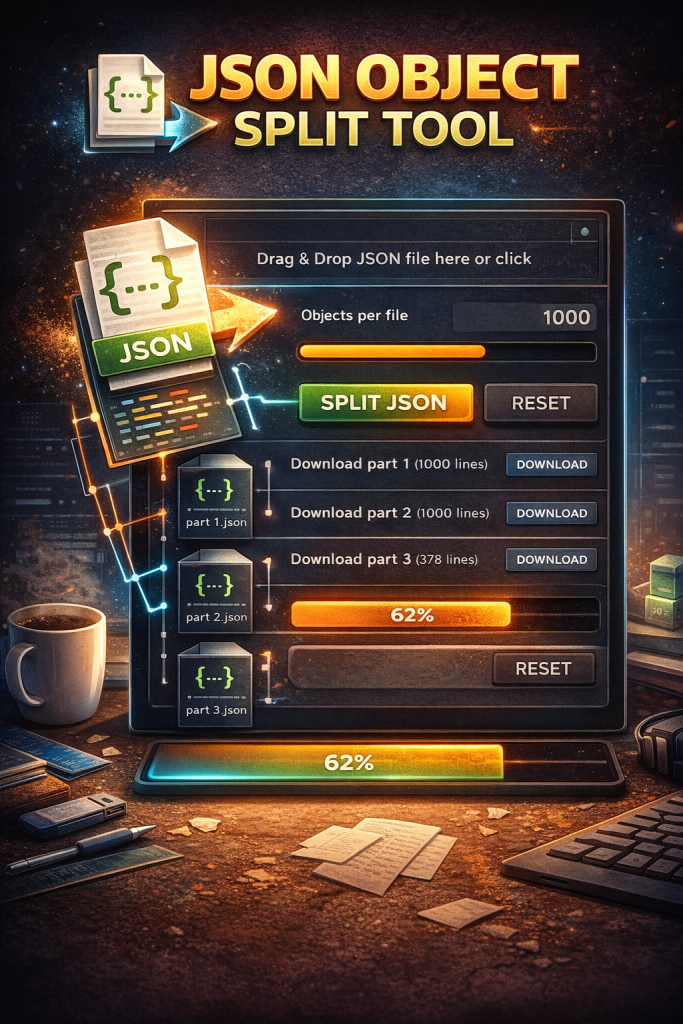
📊 Live Progress Tracking: Monitor splitting progress with an intuitive progress bar.
How It Works
-
Upload your JSON file: Drag & drop or click to select your file.
-
Set objects per file: Enter the number of objects per split file (e.g., 1000).
-
Split JSON: Click Split JSON to generate download links for each part.
-
Monitor progress: Use the live progress bar to track the process.
Optimize your workflow and manage massive JSON datasets professionally. Split large JSON files safely, efficiently, and without any software installation.
Try JSON Object Split Tool Now
📦 JSON Object Split Tool
💡 How to use:
1. Click or drag & drop your JSON file into the drop area.
2. Enter the number of objects you want per split file (e.g., 1000).
3. Click "Split JSON" to generate download links for each part.
4. Use the progress bar to track splitting process.
🌎 This tool works entirely in your browser, no upload required, supporting large JSON files safely and privately.
⚠ If JSON contains errors in some objects, only valid objects will be split.