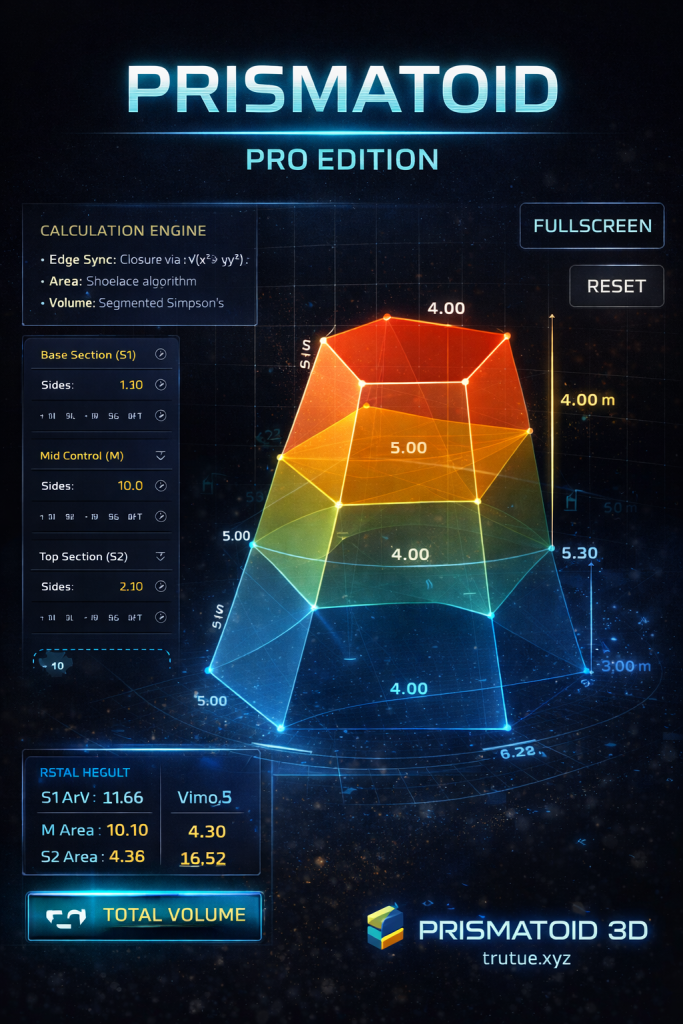
PRISMATOID 3D Pro – Advanced 3D Prismatoid Volume Calculation & Simulation Tool
PRISMATOID 3D Pro is a powerful, browser-based engineering tool designed to model, visualize, and calculate the volume of complex 3D prismatoid geometries with high accuracy. Built for engineers, architects, students, and technical professionals, the tool combines real-time 3D interaction, proven mathematical algorithms, and a modern engineering-focused interface.
Unlike traditional manual calculations or spreadsheet-based methods, PRISMATOID 3D Pro provides both numerical precision and visual understanding in a single integrated environment.
What Is PRISMATOID 3D Pro?
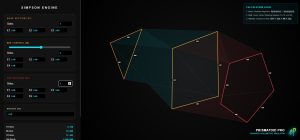
PRISMATOID 3D Pro
PRISMATOID 3D Pro is an engineering simulation console that allows users to construct and analyze a prismatoid defined by three cross-sections:
-
Base Section (S1)
-
Mid-Section Control Plane (M)
-
Top Section (S2)
Each section can be independently customized by:
-
Adjusting the number of polygon sides
-
Defining individual edge lengths
-
Modifying the overall height (H) of the system
-
Shifting the vertical position of the mid-section
All calculations and visualizations update instantly, making the tool ideal for interactive analysis and learning.
Key Features of PRISMATOID 3D Pro
1. Interactive 3D Visualization in Real Time
PRISMATOID 3D Pro uses canvas-based 3D perspective and isometric projection to render prismatoid geometry directly in the browser. Users can:
-
Rotate the model by dragging the mouse
-
Zoom in and out smoothly
-
Inspect geometry from any viewing angle
This interactive approach significantly improves spatial understanding compared to static diagrams.
2. Fully Customizable Irregular Geometry
Each cross-section (S1, M, S2) supports:
-
Any polygon with three or more sides
-
Independent edge length control
-
Creation of non-uniform and asymmetric shapes
This level of flexibility allows PRISMATOID 3D Pro to accurately represent real-world engineering geometries, not just idealized shapes.
3. Mathematically Accurate Volume Calculation
PRISMATOID 3D Pro is built on established engineering mathematics, ensuring reliable and repeatable results:
-
Shoelace Formula for accurate polygon area computation
-
Simpson’s 1/3 Rule for prismatoid volume integration
-
Vector loop closure for polygon reconstruction
-
Perspective projection for correct spatial visualization
These methods make the tool suitable for professional engineering, academic study, and technical validation.
4. Live Metrics Dashboard (HUD)
The integrated metrics panel displays key values in real time, including:
-
Area of Base Section (S1)
-
Area of Mid-Section (M)
-
Area of Top Section (S2)
-
Partial volumes between sections
-
Total prismatoid volume (ΣV)
All metrics update instantly as inputs change, eliminating the need for manual recalculation.
5. Modern, Engineer-Centric Interface
PRISMATOID 3D Pro features a dark, glass-style UI optimized for long technical sessions. Color-coded sections improve clarity and reduce visual fatigue, while a clean layout keeps the focus on data and geometry.
The interface is designed to support:
-
Precision
-
Readability
-
Efficient workflow
Who Is PRISMATOID 3D Pro For?
PRISMATOID 3D Pro is ideal for:
-
Civil, structural, and mechanical engineers
-
Architects and construction designers
-
Engineering and STEM students
-
Lecturers and educators
-
Researchers working with volumetric models
-
Developers exploring computational geometry
Practical Applications
PRISMATOID 3D Pro can be applied to:
-
Prismatoid volume calculation in construction and earthworks
-
Estimating volumes of irregular concrete or structural elements
-
Engineering education and geometric visualization
-
Concept validation before CAD or CAE modeling
-
Demonstrating Simpson’s Rule in applied mathematics
Advantages Over Traditional Calculation Methods
| Feature | PRISMATOID 3D Pro | Manual / Spreadsheet |
|---|---|---|
| Interactive 3D Visualization | ✔ Yes | ✘ No |
| Irregular Geometry Support | ✔ Full | Limited |
| Real-Time Results | ✔ Yes | ✘ No |
| Mathematical Accuracy | ✔ High | Error-Prone |
| Browser-Based | ✔ Yes | ✘ Often No |