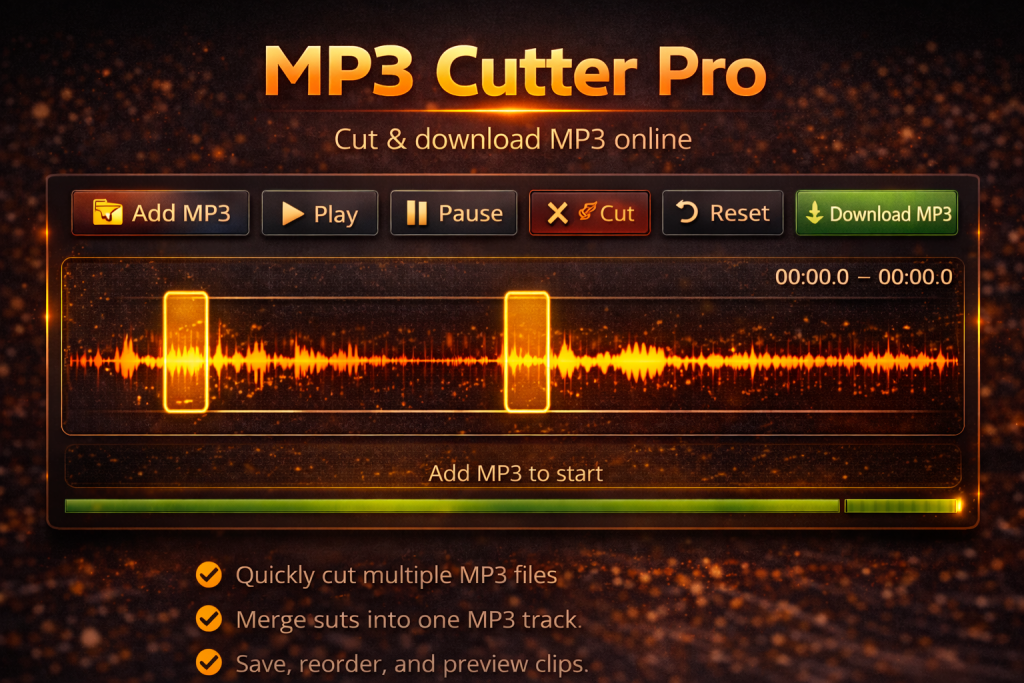
MP3 Cutter Online – Cut MP3 Quickly, Free, and Professionally
MP3 Cutter Pro
Are you looking for an easy-to-use online MP3 cutter to trim your favorite songs or create ringtones? MP3 Cutter Online is the perfect tool for quickly editing audio files directly from your browser, no installation required.
Key Features of MP3 Cutter Online
-
Easy MP3 Cutting: Simply upload your MP3 file, select the segment you want, and download it instantly.
-
User-Friendly Interface: Compact title and description, intuitive toolbar, and smooth operation on both desktop and mobile devices.
-
High-Quality MP3 Output: Uses LAME encoder to ensure high-quality audio for your trimmed tracks.
-
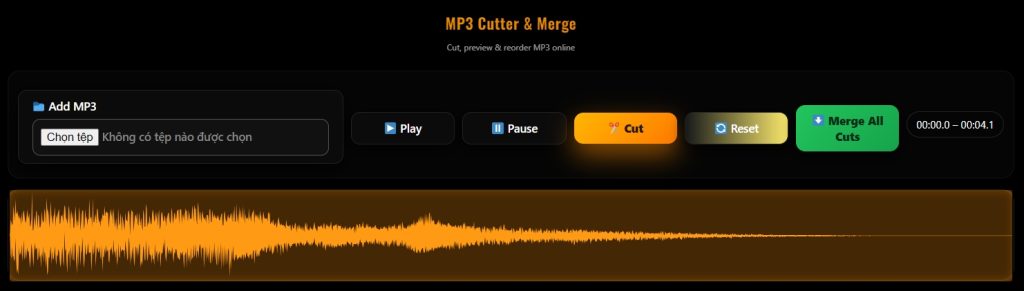
Visual Waveform Display: Powered by WaveSurfer.js, allowing precise selection of start and end points.
-
Free and No Installation Required: Works directly in the browser without signing up or downloading extra software.
How to Use MP3 Cutter Online
-
Upload Your MP3: Click the “📁 Add MP3” button and choose your audio file.
-
Select the Segment to Cut: Drag the waveform to select the portion of the song you want.
-
Preview and Adjust: Press “▶ Play” to listen to the selection and make adjustments if needed.
-
Download Your New MP3: Click “⬇ Download MP3” to save your trimmed audio to your device.
Benefits of Using MP3 Cutter Online
-
Save Time: Trim audio in just a few clicks without heavy software.
-
Maintain Audio Quality: Retains MP3 quality up to 128kbps or higher, perfect for ringtones, videos, or podcasts.
-
Cross-Device Compatibility: Works smoothly on Windows, Mac, Android, and iOS.
-
Safe and Private: Your files are not stored on our servers, ensuring complete privacy.
Why MP3 Cutter Online is Popular
-
Compact, optimized interface suitable for beginners and pros.
-
Direct operation in the browser with no installation.
-
Fast MP3 cutting with high-quality output, ready to download immediately.
SEO Keywords Optimized:
-
MP3 Cutter Online
-
Cut MP3 online
-
Free MP3 cutter
-
Download trimmed MP3